Hardware analysisHardware
CPU, GPU and RAM in one readable view: quickly find the information you need to understand your PC.
CPU, GPU and RAM in one view.
TWEAKBUDDY · WINDOWS SOFTWARE IN DEVELOPMENT
Everything you need to understand your PC, in one place: hardware, disk space, startup apps, benchmarks and external tools. See what’s happening, then choose what to change.Hardware, disk space, startup apps, benchmarks and external tools in one place. Understand your PC before making changes.
The software is not yet available to buy or download.
INSIDE TWEAKBUDDY
This is a preview of the software: a view to help you explore your PC’s data, find the largest folders and understand the impact of your choices. The final version will be shown here before launch.A preview of how data, disk space and results will come together in one app.
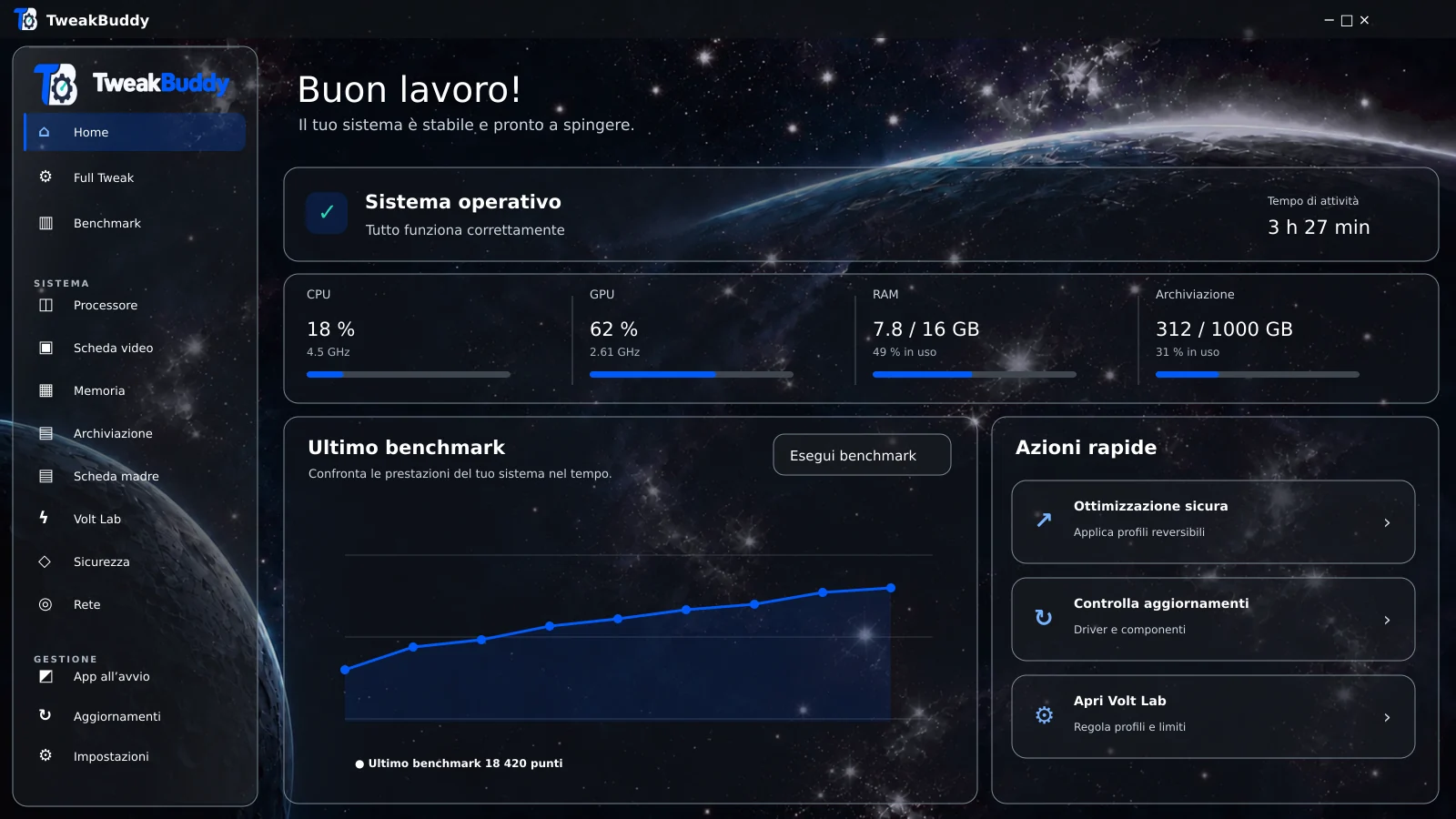
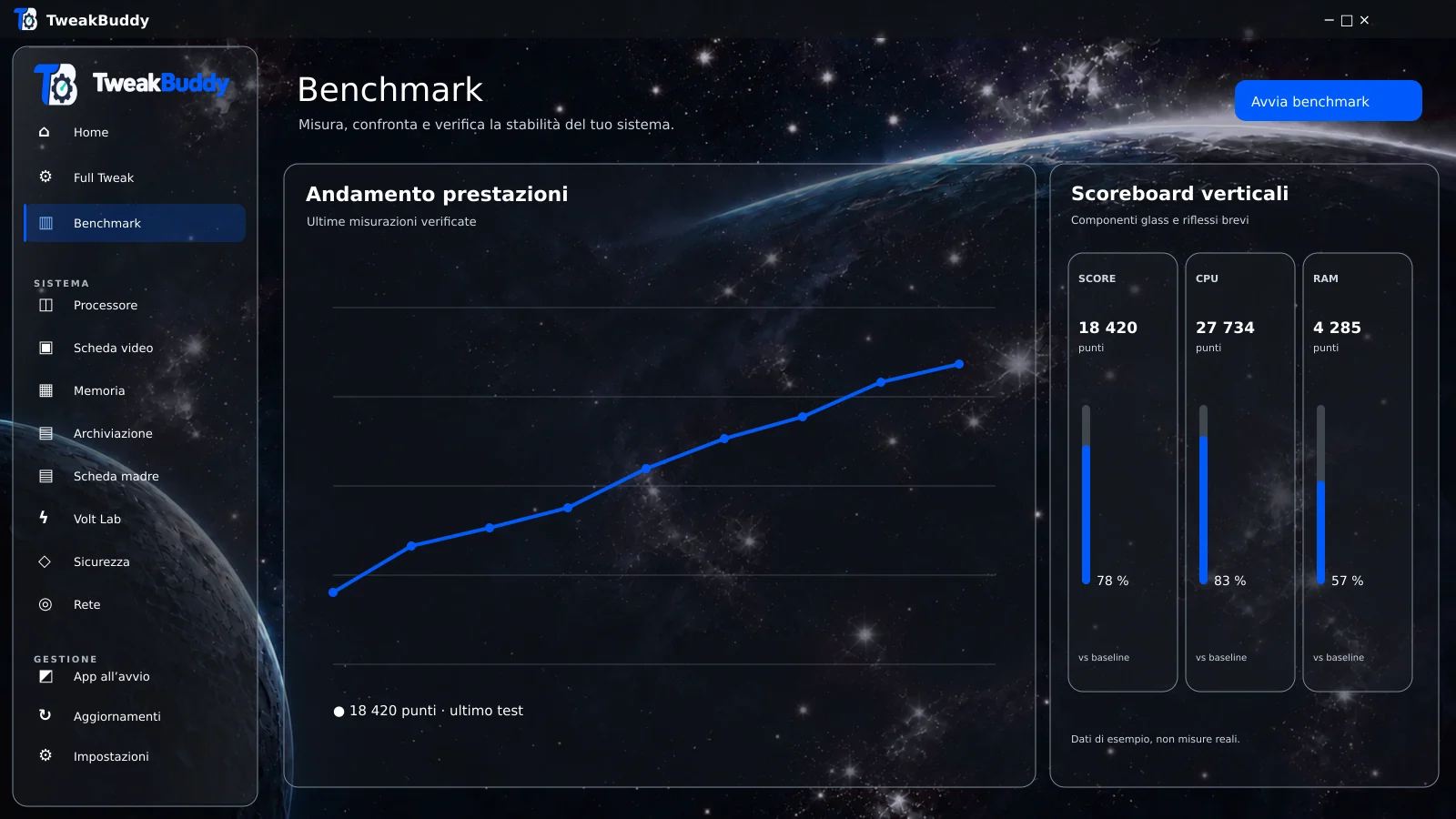
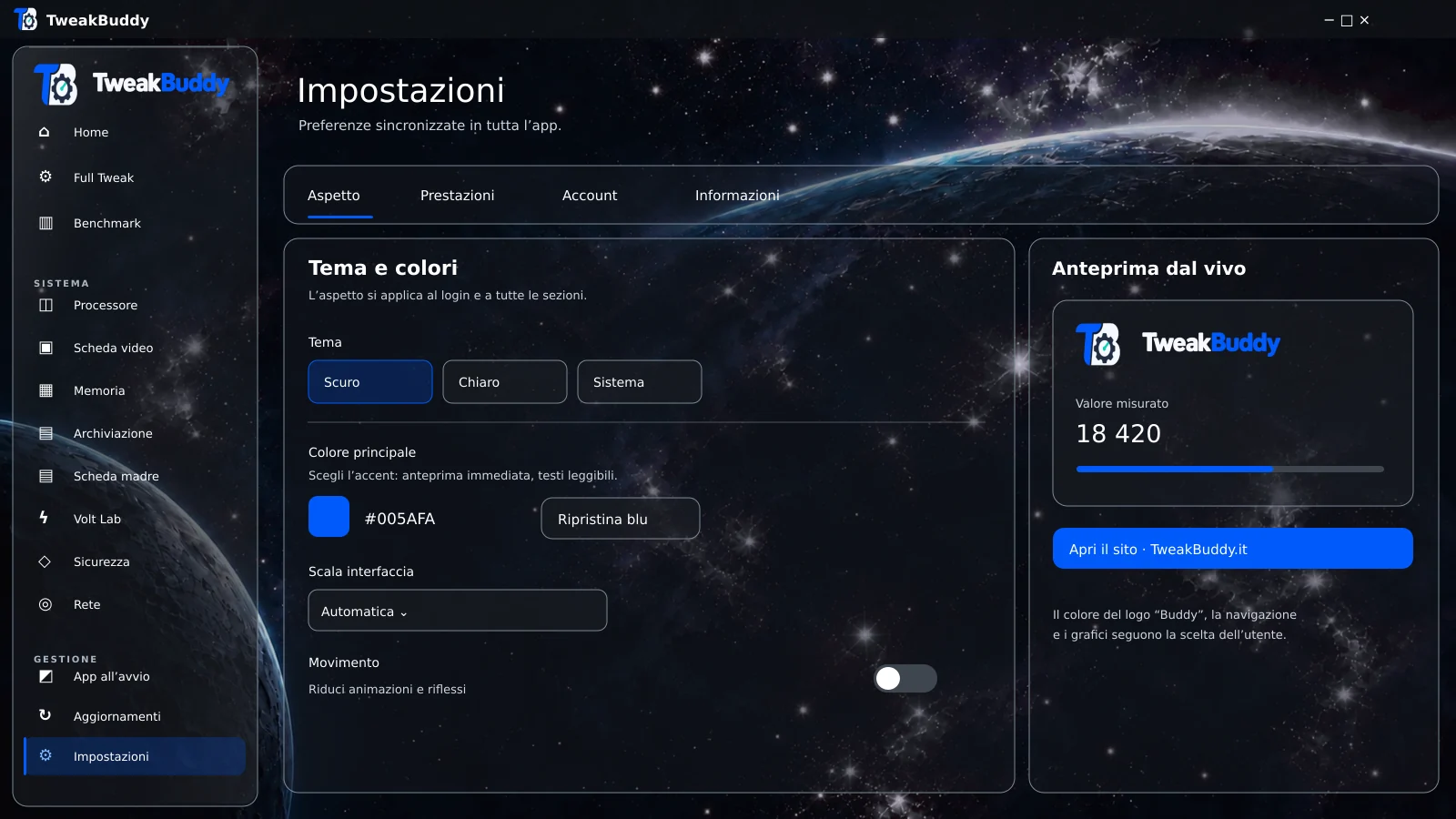
These images are illustrative. They will be replaced with screenshots of the finished software before launch.
WHAT YOU’LL BE ABLE TO DO
From hardware information to tests before and after a change: TweakBuddy is taking shape to help you make more informed decisions, without jumping between tools and screens.Clear data, easier choices. All in one place.
CPU, GPU and RAM in one readable view: quickly find the information you need to understand your PC.
CPU, GPU and RAM in one view.
Find the largest folders and decide what to keep, move or manage. The project aims to make disk usage visible, without promising automatic cleanup.
Find the largest folders and decide what to manage.
Explore undervolting options when your hardware is compatible, with clear guidance before making changes.
Undervolting where your hardware supports it.
See which apps launch with Windows and more easily choose the ones you actually need at startup.
Review your startup apps.
Measure before and after a change under the same conditions, so you can see whether it made a real difference.
Compare before and after.
Find external apps that fit your workflow in one place too, with a simpler path to follow.
External tools, organized too.
START WITH WHAT MATTERS TO YOU
Look at the data before changing settings. Repeat the same test and discover which choices actually improve your experience.
Check startup apps, resources and available disk space. You may find a simpler solution before considering a new PC.
Find the folders taking up the most space and take your time deciding what to keep, move or manage.
A SIMPLE PATH
Gather data on hardware, disk space and startup apps.
Evaluate one change at a time, based on your PC.
Compare results obtained under the same conditions.
Revert changes where the feature supports it.
This is the workflow planned for TweakBuddy. The actual features will be documented at launch.
TOWARDS LAUNCH
TweakBuddy is in development. We’re working on substantial performance improvements, the software’s appearance and refinements that make every feature more enjoyable to use.
EXPECTED LAUNCH
We’ll post launch updates here and on the official Discord. For pricing, compatibility and terms, follow the announcements on Discord.
PURCHASE AND ACTIVATION
A clear path from choosing a version to your first sign-in.
Before buying, you’ll be able to see the price and included features.
Complete your order and receive a key to activate the software.
You’ll need a Discord account to use TweakBuddy. Sign-in does not require email address verification.
Enter the key in the dedicated section of the software’s settings. An activation guide will be available on Discord.
Want to learn more? Read the frequently asked questions.
STAY CLOSE TO THE PROJECT
Follow TweakBuddy as it takes shape. Launch updates will appear on this website and in the Discord community.
THE ANSWERS YOU NEED
Tests of the current version measure an increase of X% under test conditions. X is a placeholder: we’ll publish the actual percentage, method and final results as soon as they’re available. Benefits may vary depending on the PC and the features used.
TweakBuddy will identify the folders taking up the most space to help you decide what to keep, move or manage. We are not announcing automatic cleanup: the project currently focuses on making information clear and useful for making decisions.
Yes, when the hardware supports undervolting. The options shown will depend on the component and the limits the software can verify.
During the purchase process you’ll see the price and included features. After ordering, you’ll receive a key to redeem in TweakBuddy’s settings. Pricing, compatibility and terms will be shared in announcements on Discord.
You’ll need a Discord account. Sign in to the software with Discord, without email address verification, then open settings and use the dedicated key redemption option. We’ll publish an activation guide on Discord.
Launch is expected in the first half of October 2026. We’ll update this page and the official Discord with news.